Your Tesla won’t wake up. The screen is dark, the door handles won’t present, and nothing responds. Before you call Tesla, a tow company, or anyone else, there’s one question you need to answer first: is this the 12V battery or the high-voltage pack?
Those two failure modes look similar from the outside but require completely different fixes. Getting the diagnosis wrong costs you time and money.
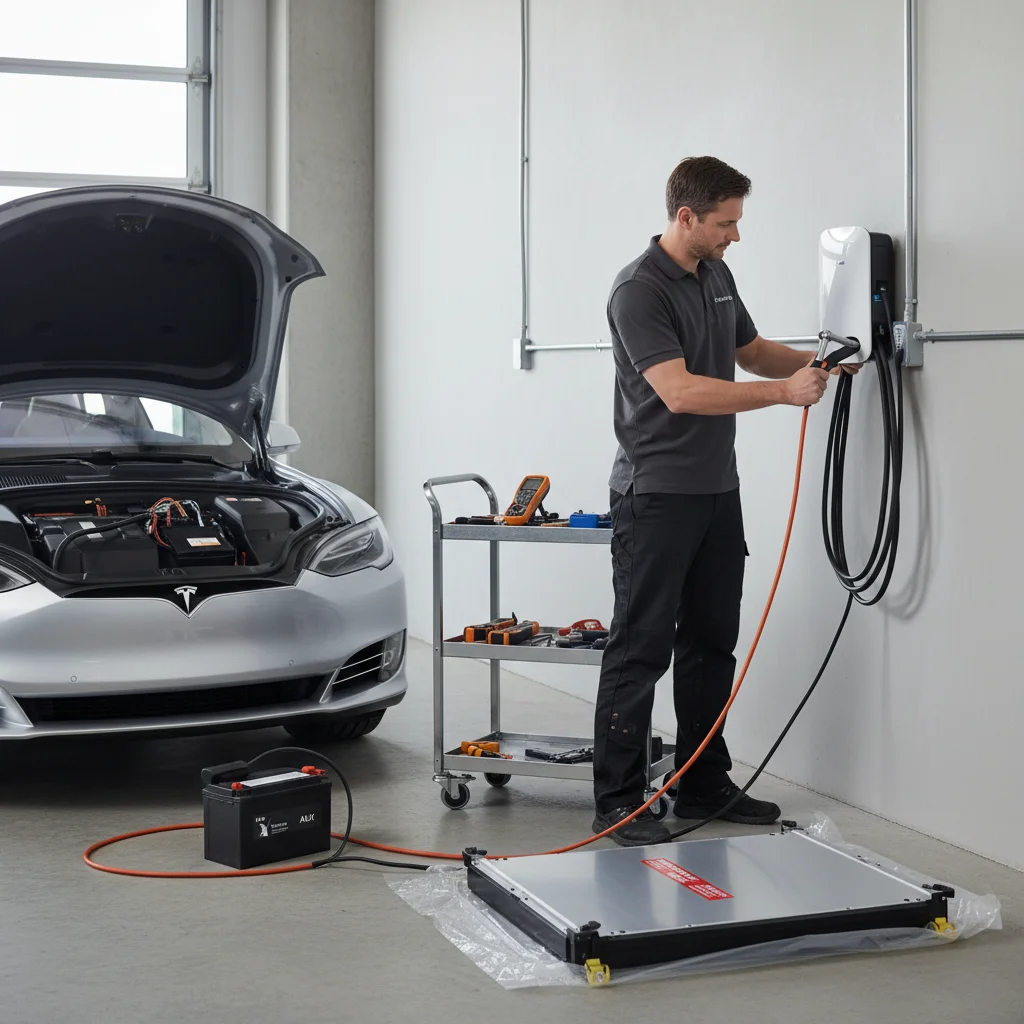
Why this distinction matters before you call for help
Tesla runs on two separate electrical systems. The high-voltage (HV) battery — the big lithium-ion pack under the floor — powers the motor and everything you think of as “the car.” The 12V battery, tucked in the frunk on most models, powers the low-voltage electronics: door handles, touchscreen, locks, lights, and the relay that connects the HV pack to the rest of the car.
Here’s the part that trips people up: even a fully charged HV pack can leave you completely stranded if the 12V dies. The car can’t close the circuit between the high-voltage pack and the drivetrain without the 12V system running. So a failed 12V presents almost identically to a completely drained HV battery — dark screen, no response, locked out.
Why does this matter for who you call? If the HV pack is simply depleted, you need mobile charging delivered to your location — our out-of-charge EV recovery service can push enough charge into the pack to get you to a Supercharger. If the 12V has died, mobile charging does nothing. You need a 12V jump or a battery replacement. Calling the wrong service means waiting twice.
Getting this right the first time is especially important if you’re stranded somewhere inconvenient — a parking structure in Mission Valley, a trailhead off Japatul Valley Road, or a street with a two-hour parking limit in Hillcrest.
12V dead: the symptoms that point here
A dead 12V battery produces some very specific tells. Run through this list before you decide.
The car is completely unresponsive. Door handles on Model 3 and Model Y are flush and motor-actuated — they won’t extend. On Model S and Model X with traditional handles, the handles are present but the car won’t unlock.
The touchscreen is dark and won’t boot. Not dimmed — completely off, even if you hold the brake or try to open the app.
The Tesla app shows the car as asleep or unreachable. Not “no signal” — the car simply doesn’t respond to wake commands. The app can’t ping it.
You hear nothing when you approach. No chime, no fan spin-up, no click from the door relay. Silence.
Your key card and phone key don’t work. The NFC reader and Bluetooth receiver both run on the 12V system. If it’s dead, no key method works.
The car was parked normally with plenty of range showing. If your last check-in showed 150 miles of range and the car sat in your Chula Vista driveway overnight, the HV pack almost certainly didn’t drain itself to zero. The 12V is the suspect.
Tesla’s 12V batteries are lead-acid (or lithium on newer builds) and they fail without much warning, often between 3 and 5 years of age. Our deep-dive on Tesla 12V battery failure symptoms covers the early warning signs — but by the time you’re locked out, you’re past the warning stage.
For step-by-step help walking through whether the 12V is truly the culprit, the Tesla 12V battery dead diagnosis guide is the right next read.
High-voltage pack depleted: how it presents differently
A depleted HV pack has a different story behind it. The 12V system is still alive, which means the car can at least communicate — with you and with the app.
The touchscreen turns on. You may see a low-battery warning, a “charge now” message, or a “vehicle may not restart” alert. The car is telling you something, which means it has power to speak.
The app shows a very low state of charge. Single digits. Sometimes zero. The car knows it’s depleted and reports it.
The door handles work and the car unlocks. If you can get in and the screen boots, the 12V is fine. The car just has no traction power.
You drove until the car stopped. Or you parked it with low range intending to charge and forgot, or the charge session failed overnight. San Diego’s mild weather is forgiving for battery chemistry, but even a Model 3 Long Range will drain completely if left unplugged for long enough in accessory mode.
The car might drive a few feet, then stop. Traction power cuts out, but the infotainment and lights still work. Classic HV depletion.
In this case a 12V jump does absolutely nothing helpful — there’s no traction energy to release. What you need is actual kilowatts delivered to the HV pack. Our out-of-charge EV recovery service brings a mobile charge unit to you and tops the pack enough to reach the nearest Supercharger. The US Department of Energy’s AFDC maintains a real-time map of charging stations if you want to know your nearest option before we arrive.
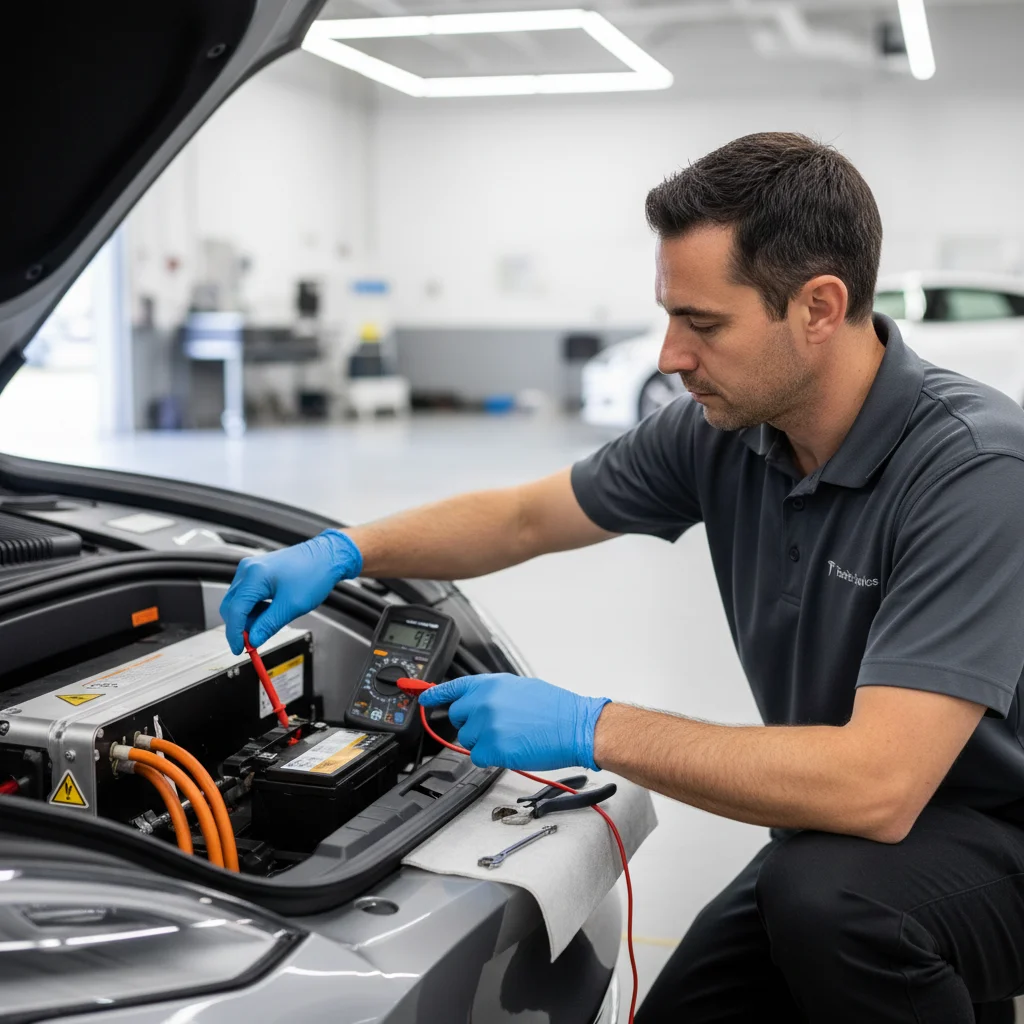
What you can fix yourself vs what needs a tow
Let’s be honest about the DIY options.
12V dead — what you can do
If you can access the frunk manually (there’s a pull cord behind the front bumper on most models), and you have a known-good 12V power source, you can jump the Tesla’s 12V terminals. Tesla publishes the jump point locations in the owner’s manual and on their support site. The positive terminal is usually under a red cover in the frunk; the negative goes to a chassis ground.
This works if the 12V is just discharged, not internally failed. If the battery has a dead cell, it’ll die again the moment you disconnect the jump source — sometimes within minutes. You’d be stuck again.
If you’ve jumped it and the car keeps killing the 12V, that battery needs replacement, not another jump. Our guide on how to jump-start a Tesla step by step walks through the process if you want to try it yourself first.
HV pack depleted — DIY is not realistic
You can’t meaningfully top up an HV pack with a household extension cord in a reasonable timeframe. A Level 1 outlet adds roughly 3-4 miles of range per hour. If your car is fully depleted and you need 20 miles of range to reach a Supercharger, that’s a 5-6 hour wait minimum — and that assumes the car will accept a charge at all when the pack is critically low. Many won’t without a specific wake procedure.
A tow is an option, but it adds cost and complexity. Teslas can’t be flat-towed, and improper towing damages the drivetrain. A mobile charge is almost always faster and cheaper than a flatbed.
When to call a tow regardless
If the car has a fault code beyond a dead battery — a BMS error, a collision event, flood damage, or an unknown fault — don’t try to charge or jump anything. Get it to a Tesla Service Center. That’s not our lane and it’s not yours.
When to call a mobile charge vs a 12V jump in San Diego
Here’s the quick decision rule. If your Tesla screen is on and your app shows low or zero charge, you need mobile charging — call for out-of-charge EV recovery. If the screen is dark, the app can’t reach the car, and you had decent range when you parked, you need a Tesla 12V battery jump.
Still not sure? Call us. We’ll ask you four questions and know which truck to send before we hang up. We cover all of San Diego County — La Jolla, Chula Vista, Escondido, El Cajon, Oceanside, and everywhere between.
The fastest wrong decision is calling a standard jump-start service that shows up with a gas-car jump pack and no idea where Tesla’s 12V terminals are. We do this every day. We know the frunk pull-cord on a Model 3 and the jump points on a Model S.
When to call Charge Pro
If your Tesla is completely dark and you’re locked out in San Diego County, that’s a job for our mobile rescue team — whether it’s a dead 12V or a depleted pack. We run a Cybertruck rescue truck loaded for both scenarios, so we don’t have to guess before we roll. Call us at (858) 808-6055 — we’ll roll a Cybertruck rescue truck to you.