That amber alert just popped on your Tesla’s screen and your stomach dropped. You’re not imagining it — the car is telling you the 12V accessory battery is running out of juice, and it means business. Here’s what’s actually happening, how serious it is right now, and what to do in the next few minutes.
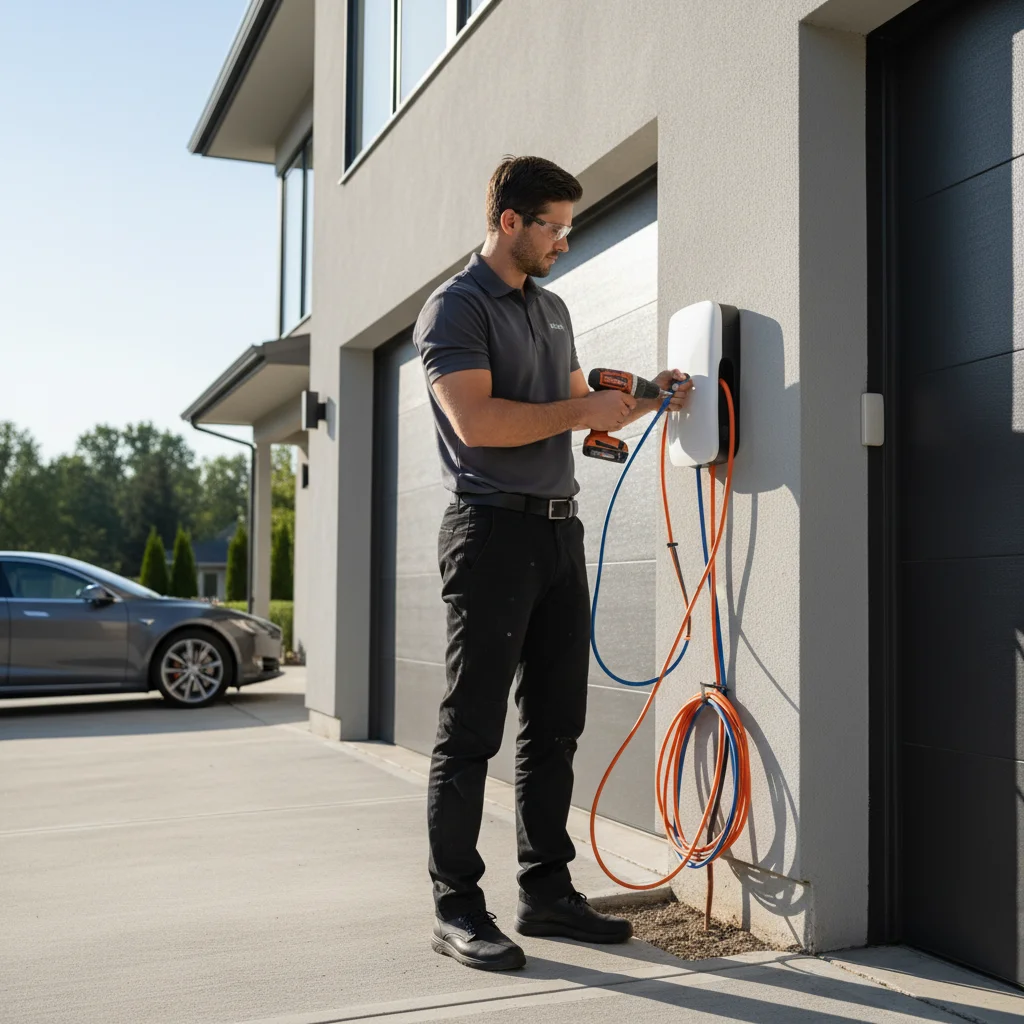
What the low voltage warning actually signals
Your Tesla runs on two separate electrical systems. The big lithium traction pack moves the car. A small 12V accessory battery — tucked in the frunk or under the hood depending on your model — powers everything else: door locks, windows, the touchscreen, cabin controls, even the circuit that lets the main battery discharge power to the drivetrain.
When Tesla throws a low voltage warning, it’s specifically about that 12V battery, not your main charge level. The exact message varies by software version but usually reads something like “Schedule Service: 12V battery low” or “Accessory battery low, car may not start.” Some versions drop it in the notification bar quietly. Others are louder.
The 12V battery in a Tesla doesn’t charge from a wall outlet. It charges off the main traction pack through a DC-DC converter while the car is on or plugged in. If the converter has a fault, or if the 12V battery is simply old and failing, the warning fires.
One important thing to understand: this is not the same as your traction pack running low on range. A car can show 200 miles of range and still be minutes from a 12V-related shutdown. If you’ve noticed other Tesla 12V battery failure symptoms recently — sluggish touchscreen, odd door behavior, phantom warnings — this alert is the system telling you the situation has crossed a threshold.
How long you have to drive before it strands you
There’s no honest single answer. Tesla’s warning system is conservative by design, which is a good thing. Some drivers report the alert appearing and then driving another several days before anything got worse. Others have had the car shut down within an hour.
What determines that gap is the actual state of the 12V battery. If it’s reading low because of a temporary sag — cold morning, long time sitting unplugged, a software glitch in the DC-DC converter — it may recover once you’re driving and the converter tops it back up. If the battery’s cells are genuinely degraded, the voltage won’t recover and the window is short.
Watch for these signs that the window is closing fast:
- Touchscreen dims, lags, or reboots on its own
- Climate controls become unresponsive
- The car hesitates to shift into drive or reverse
- You hear relay clicking from under the dash
Any of those means the 12V is dropping below the threshold needed to keep the control systems alive. Don’t assume you can make it home or to a service center. Pull somewhere safe and deal with it now.
San Diego heat makes this worse, not better. A battery that’s borderline at 65°F in coastal fog can fail faster sitting in a sun-baked parking structure in Mission Valley at midday.
Lead-acid vs lithium 12V — different urgency
This matters more than most Tesla owners realize. Depending on your model and build date, your 12V battery is either a conventional lead-acid unit or the newer lithium iron phosphate (LFP) version Tesla introduced on newer Model 3 Highland and Model Y refreshes.
Lead-acid 12V batteries
Older Model 3, Model S, Model X, and pre-refresh Model Y units almost certainly have a lead-acid 12V. These batteries fail fast once they start going. Voltage can drop steeply in a short time. If you’re getting a low voltage warning on a lead-acid-equipped Tesla — especially one over three years old — treat it as urgent. The average lifespan is roughly three to five years, and San Diego’s warm climate can shorten that.
Lithium 12V batteries
Newer LFP 12V batteries have flatter discharge curves and tend to give more warning before they fail hard. That said, they’re not immune. A low voltage warning on an LFP-equipped car still needs attention; it’s just slightly less likely to leave you stranded in the next 30 minutes compared to a failing lead-acid unit.
Not sure which you have? Check Tesla’s support documentation or look at your car’s service history in the app. Either way, a warning is a warning — don’t ignore it because you think you have the “better” battery.
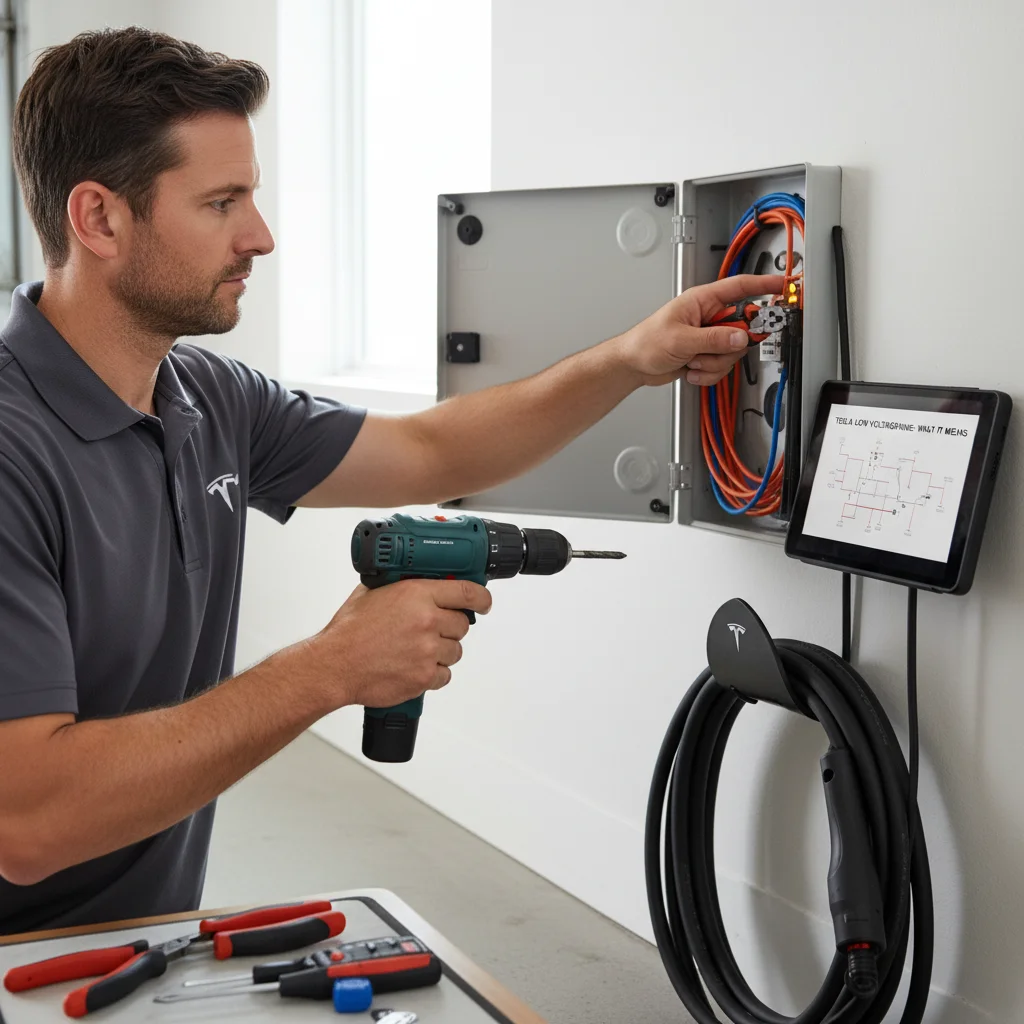
Steps to take before the car shuts down
Move fast but don’t panic. Here’s the order of operations:
1. Get off the road or out of traffic. If you’re on the 8, the 5, or anywhere in moving traffic, your first job is to exit or pull to a safe shoulder. A Tesla that loses 12V power mid-drive won’t lose propulsion instantly, but control systems can drop out.
2. Plug in if you’re near a charger. Connecting to any Tesla charger — Level 1, Level 2, or Supercharger — wakes the DC-DC converter and may stabilize the 12V while you figure out next steps. This buys time. It doesn’t fix the underlying battery if it’s truly failed.
3. Reduce 12V load. Turn off the cabin fan, heated seats, and any features you don’t need. It’s a small gain, but small gains matter when you’re managing a failing battery.
4. Don’t turn the car off unless you’re somewhere safe and have help coming. A Tesla with a dead 12V may not restart. Once you power down, you could be locked out of the car entirely — a situation covered in detail in our Tesla battery dead, locked out guide. If you need to stop, leave the car in park with the hazards on and keep the 12V powered as long as possible.
5. Call for a 12V jump. If the car isn’t recovering and you’re not close to a Tesla Service Center, a mobile 12V jump is the fastest fix. A jump restores enough voltage for the car to restart and get the DC-DC converter cycling again. From there you can drive to service for a battery replacement. Our Tesla 12V battery jump service is built exactly for this scenario.
For a deeper walkthrough of diagnosing whether the issue is the battery itself or the converter, see our Tesla 12V dead battery diagnosis post.
When to call for a 12V jump in San Diego
If you’re already pulled over, the car won’t restart, or the screen has gone dark — stop troubleshooting and call. That’s the moment for mobile help, not forum threads.
A few specific situations where calling beats waiting:
- You’re parked somewhere you can’t leave the car overnight (airport, metered lot, tow-away zone)
- You have a road trip, flight, or commitment you can’t miss
- The car locked itself and you can’t get back in
- You tried plugging in and the 12V still isn’t recovering
Tesla’s own roadside line can help, but wait times vary and the service isn’t always local. If you’re in San Diego County and need someone on-site fast, that’s what we do.
When to call Charge Pro
If your Tesla is showing a low voltage warning and you’re not confident it’ll make it another mile, don’t wait it out. Our mobile rescue team responds across San Diego County — from Chula Vista to Oceanside, La Jolla to El Cajon — and we carry the equipment to jump a 12V battery on-site and get you moving again.
Call us at (858) 808-6055 — we’ll roll a Cybertruck rescue truck to you.