Your Tesla won’t wake up, the touchscreen is dark, and the frunk won’t budge. Nine times out of ten, a dead 12V auxiliary battery is the culprit — not the big traction pack under the floor. Knowing exactly where to connect jump cables on your specific model is the difference between a five-minute fix and a very frustrating hour in a parking garage.
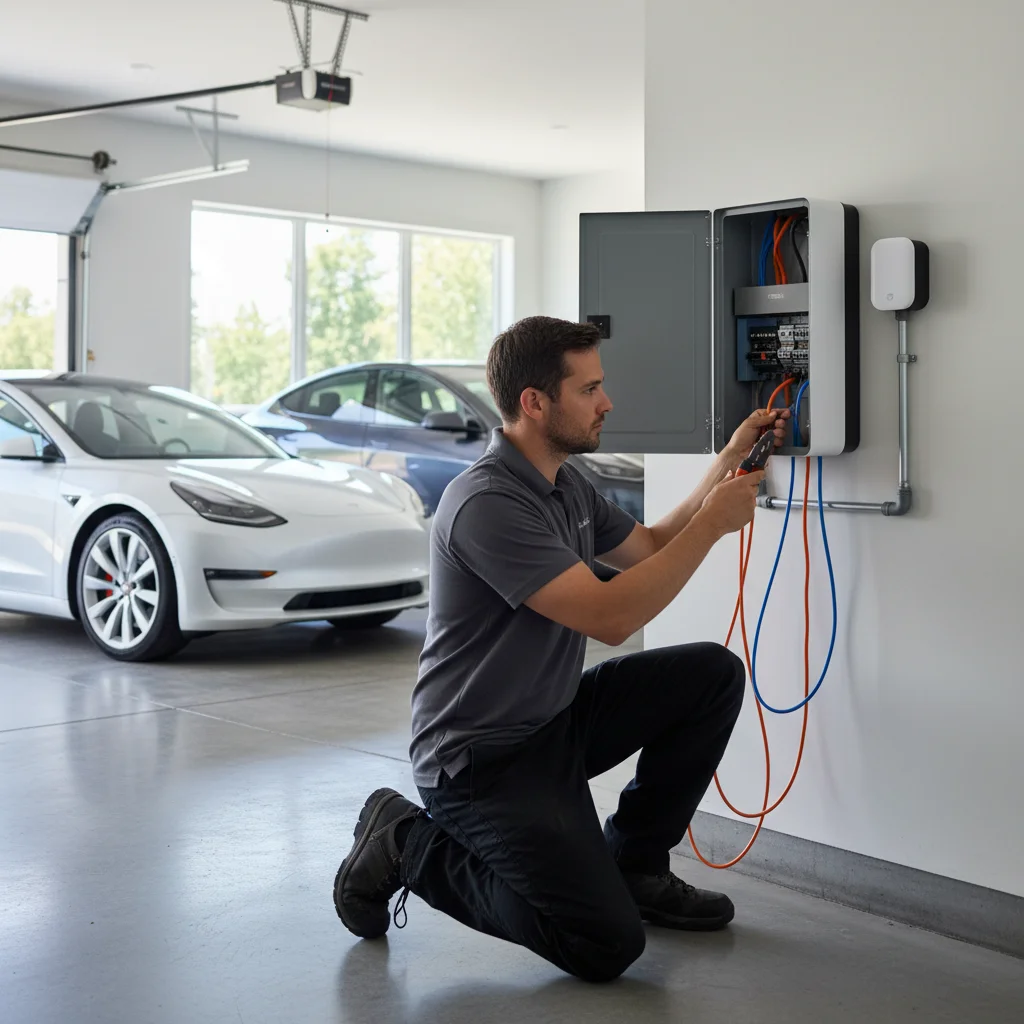
Before you jump: confirm it’s the 12V, not the high-voltage pack
Tesla runs two completely separate electrical systems. The high-voltage (HV) pack — the one that actually moves the car — sits under the floor and is not jump-startable by any consumer tool. The 12V auxiliary battery powers the computers, door handles, lights, and everything that wakes the car up from sleep. When the 12V dies, the car behaves exactly like a dead conventional car: nothing responds.
Here’s a quick sanity check before you grab cables:
- Screen is black, car won’t unlock with the app, key card doesn’t work — almost certainly 12V.
- Car locks and unlocks but shows a low-range warning — HV pack issue, not 12V.
- Interior lights flicker or exterior lights are dim — 12V.
If you’ve been seeing repeated Tesla 12V battery failure symptoms over the past few weeks — slow boot times, random warning lights, the car waking itself up at night — the battery was already on its way out. A jump will get you moving, but plan on a replacement soon.
One more thing: a jump start on a Tesla does not charge the 12V the way a long drive charges a conventional car’s battery. Tesla’s DC-DC converter recharges the 12V from the HV pack whenever the car is on or plugged in. So once you jump it, plug the car in or drive it for at least 20 minutes to let the converter do its job.
How to access the 12V on each Tesla model
Terminal locations vary by model. Getting this wrong wastes time. Here’s where to find them.
Model 3 and Model Y
These two share the same jump approach. The 12V battery itself lives under the frunk floor, but Tesla provides dedicated jump posts accessible through the tow eye cover on the front bumper.
Tow eye method (recommended when frunk is sealed shut):
- Find the small rectangular cover on the front bumper, driver’s side lower corner. It pops off with a flathead screwdriver or your fingers — pry gently from the notch.
- Inside you’ll see a red positive terminal (+) and a ground point on the vehicle chassis nearby.
- This is your primary jump location when the frunk won’t open.
Frunk method (when frunk is already accessible):
Under the frunk carpet and foam pad you’ll find the 12V battery directly. The positive terminal has a red plastic cover; the negative terminal is black. These work fine for jump cables if the frunk is already open.
Model S and Model X
On older Model S (pre-2021 facelift) and Model X, the 12V battery lives in the front trunk as well, but the access panel is under the main frunk floor mat. Lift the mat, pull the foam insert, and the battery is exposed. The terminals are clearly labeled.
On the refreshed Model S and Model X (2021+), Tesla moved the 12V jump posts. You’ll find a red positive post behind a small cover on the driver’s side of the frunk, near the firewall. The chassis ground point is on the same side.
Check Tesla’s official support page if you’re unsure which variant you have — the VIN decode will tell you the build year precisely.
Step-by-step jump procedure with a portable jumper
A portable lithium jump starter is the right tool here. You don’t need another running vehicle, and you won’t risk the voltage spikes that come from idling gas engines. A 1000A peak jump pack handles any Tesla 12V without drama.
What you need:
- Portable lithium jump starter (1000A peak minimum)
- Clean gloves
- Your Tesla key card (to authenticate once the car wakes up)
The procedure:
- Park the jump pack nearby and confirm it’s charged. Most packs have an LED indicator.
- Remove the tow eye cover (Model 3/Y) or open the frunk via manual release (see next section if the frunk is sealed).
- Connect red (positive) clamp first to the red terminal or red-covered post. Make sure it’s seated firmly — a loose clamp causes arcing.
- Connect black (negative) clamp to an unpainted metal chassis point. On the tow eye access, there’s a dedicated ground nearby. On frunk terminals, use the negative battery post or a bare metal bracket on the vehicle frame. Do not connect to the 12V negative post if you can find a chassis ground — it’s cleaner.
- Turn on the jump pack (if it has an on switch) and wait 60 seconds. Tesla’s body control module needs a moment to see voltage before it’ll boot.
- Try the key card or the door handle. The screen should start to illuminate within 10-15 seconds.
- Once the car is awake, disconnect clamps in reverse order — black first, then red.
- Plug the car in immediately or drive it to let the DC-DC converter recharge the 12V.
Do not attempt to jump a Tesla using another Tesla’s 12V terminals. Tesla explicitly advises against using your car as a donor vehicle — you risk damaging the donor car’s electronics.
If you’re dealing with a car that’s not just dead but locked out entirely, our post on what to do when your Tesla battery is dead and you’re locked out walks through the manual entry steps alongside this jump procedure.
What to do if the frunk won’t open
A dead 12V means the frunk latch motor has no power. The tow eye terminal access on Model 3 and Y solves this by giving you jump points without needing the frunk open first. That’s your first move.
For Model S and Model X where the jump posts are inside the frunk, you’ll need to use the manual frunk release before you can get to the terminals.
Model S manual frunk release:
There are two pull loops inside the front wheel wells, behind access panels. On older Model S, you reach through the driver’s side wheel well liner — there’s a small flap — and pull a yellow or orange loop. This mechanically releases the frunk latch. You may need to pull twice: once to pop the primary latch, once to release the secondary.
Model X manual frunk release:
Same wheel well approach. The loop is typically orange and located about 12 inches behind the front edge of the wheel well liner. Pull firmly. The frunk will rise slightly.
If you can’t locate the release loops:
Tesla vehicles have changed the location of these loops across model years. If the above doesn’t match what you’re seeing, search your specific model year in the Tesla support documentation or check your in-app owner’s manual (if you can pull it up on your phone).
One important note for San Diego drivers: saltwater air from the coast can accelerate corrosion on frunk release cables, especially on cars parked near the beach in La Jolla, Del Mar, or Coronado. If the cable feels stuck rather than just stiff, don’t yank — you can snap it. That’s a tow situation, not a roadside fix.
When to stop trying and call for a pro 12V jump
Some situations make DIY jumping the wrong call. Stop and get help if:
- The frunk release loops aren’t accessible and you can’t reach the tow eye terminals (damage to the front bumper, parking obstruction).
- You’ve jumped the car and it dies again within minutes. That’s a dead 12V battery that needs diagnosis and likely replacement, not another jump.
- You’re on a freeway, in a parking structure, or somewhere a portable jump pack still leaves you stuck. Getting the car on doesn’t help if you can’t safely charge it or drive to a service location.
- You’re not confident about which terminals to use. Connecting to the wrong point on a Tesla can damage the BMS or body control module — repairs that cost several hundred dollars or more.
Our Tesla 12V battery jump service covers all of San Diego County. We carry model-specific tools, know the terminal locations by heart, and can tell you on the spot whether the battery needs a jump or a swap.
When to call Charge Pro
If your Tesla’s 12V is dead and you’re stuck — whether that’s in your driveway, a Balboa Park lot, or the side of I-15 — this is exactly what our mobile rescue team handles. We respond across San Diego County with a Cybertruck rescue truck stocked for Tesla-specific roadside calls, including 12V jumps, locked-out situations, and diagnosis when a simple jump isn’t enough.
Call us at (858) 808-6055 — we’ll roll a Cybertruck rescue truck to you.